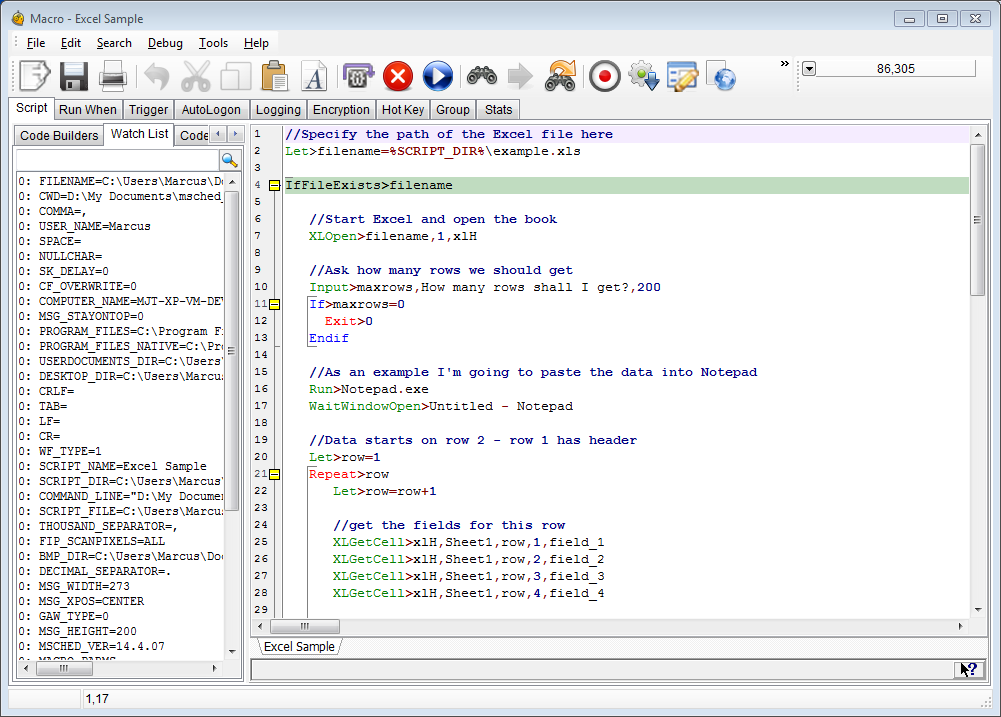
Native, built in Debugger with full variable tracking and code stepping
Full featured built-in scheduler
Compile a script to an .EXE (executable program, give it to someone else to run who doesn't even have Macro Scheduler!) (Pro Version Only)
Custom Dialogs - Query any kind of data from the user. With WYSIWYG dialog builder.
AutoLogon Technology (Logs PC in if logged out/locked when script scheduled - Vista/Win7/2008Svr Only)
Event triggers
Microsoft VBScript built in
Import 3rd party ActiveX/COM components, DLLs and access the Windows API
Support for Image Recognition and Automation of Graphical Objects & Non-Standard UIs
Powerful new Screen Text Capture commands to scrape text from any application. Try.
Read/modify data from text, CSV, Excel files; access ODBC/ADO SQL data sources etc
Context sensitive and fully documented command reference.
Beginners guide to help almost anyone get started
The ability to run macros remotely and on web servers (Enterprise Only - see: msNet)
A proven history from big business to home automation
Free, fast and responsive support
Demonstrable value for money
All features above are included in Macro Scheduler Standard, Pro and Enterprise. Not all features are available in Macro Scheduler Lite.
Compare Versions.
Microsoft came in and said there was no way to automate a particular problem. I downloaded Macro Scheduler and had a working fix in one day!
Ian Smith, UK
I used to work for a company that used Macro Scheduler, and I think it's just the best thing since peanut butter met jelly. I can't tell you how many hours it saved me there, and I'm finding it will do the same at my new job.