Share |
Registered Downloads: Existing customers can download registered versions here.

Download Automation Software

Download the latest FREE evaluation versions of our automation software here. All our software runs on all editions of Windows 2000, XP, 2003 Server, 2008 Server, Vista and Windows 7.

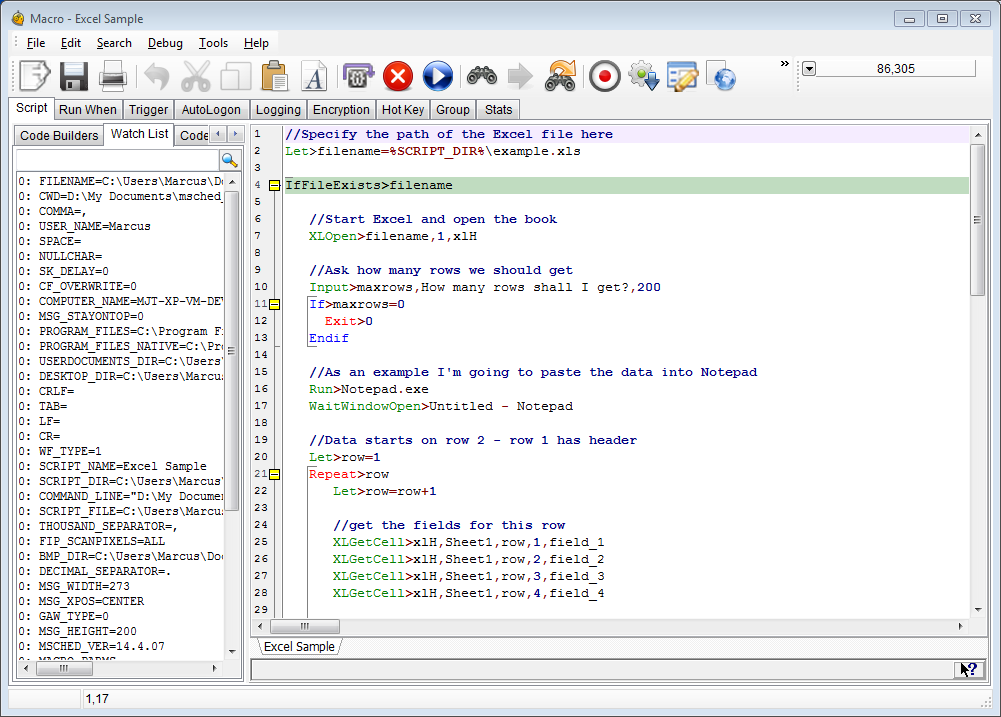
Macro Scheduler - Automation Tool

Macro Scheduler Std Click here to download Macro Scheduler Std 13.1.01 (10Mb)
Compiler Evaluation Download the compiler and convert Standard to Pro (4.3Mb) [Requires v13]
Macro Scheduler Lite Click here to download Macro Scheduler Lite 13.1.01 (7.3Mb) Compare with Std/Pro
msNet Download msNet - Macro Scheduler Remote Controller (1.6Mb)
WebRecorder Download WebRecorder evaluation (1.9Mb) [Requires Macro Scheduler 13.1]
Workflow Designer Download MacroScript Workflow Designer v4.0 evaluation (9.2Mb)

Plugins

MD5/SHA1 Hash Library Click here to download the MD5/SHA1 Hash Library (163Kb)

Provides functions to return MD5 or SHA1 hash of files and strings.

FindColor Library Click here to download the FindColor Library (51Kb)

Provides a FindColor function to return the pixel position of a color in a defined rectangle on the screen. Much faster than using GetPixelColor in a loop!

Zip Library Click here to download the Zip Library (256Kb)

Provides functions to work with zip files. Add and update files, and extract files from zip archives.

Tweet Library Click here to download the Tweet Library (305Kb)

Provides ability to tweet status updates to Twitter via oAuth.

Tools

DoLogon Click here to download DoLogon, a tool to trigger the Macro Scheduler AutoLogon service in order to automatically log into Windows NT/2000/XP. Updated to work with version 11.
Macro Scheduler Portable Installer Click here to download the Macro Scheduler Portable Install Creator (885b)

Allows you to create a portable version of Macro Scheduler Standard which can run from a portable USB device. This copies files from your regular Macro Scheduler installation to create a portable version on another drive/device/folder. Therefore requires Macro Scheduler to be already installed on the machine you will run the creator from. Once created the portable install will run on any other PC without requiring admin credentials and without leaving any files or settings on the PC. Requires Macro Scheduler 12

Other Software

ClipMagic Click here to download the latest version of ClipMagic (2.1Mb)
QuickButtons Click here to download the latest version of QuickButtons (1.1Mb)
Registered Downloads: Existing customers can download registered versions here.